myQ Setup and Troubleshooting - The Complete OC Homeowner Guide to Smart Monitoring
Key Takeaways
- myQ connects Chamberlain and LiftMaster openers to a phone app over 2.4GHz home Wi-Fi for remote status and control.
- Older openers in areas like University Park often need a separate myQ hub or an upgrade before smart monitoring works.
- Solid prep - opener model, Wi-Fi signal at the garage, and the app ready - prevents most setup headaches.
- A common problems are offline errors and pairing failures, usually caused by weak signal or 5GHz band confusion.
- Mesh networks common across Irvine can block pairing, so set a dedicated or temporary 2.4GHz connection.
- Grinding, reversing, or slow doors point to opener hardware faults, not the app, and need a technician.
- Regular firmware updates, sensor cleaning, and a five-minute monthly checkup keep smart monitoring reliable year-round.
- Urgent Garage Doors handles both the network setup and the mechanical repair in one Irvine service visit.
In This Article
A Woodbury mom pulls onto Sand Canyon Avenue on her way to work, then feels that sinking pause at the light. Did she close the garage? She cannot remember. Now she is picturing an open door all day, the tools inside, the bikes, the second entry into the house. That exact moment is why smart garage monitoring has become a frequently requested upgrade we handle across Irvine.
The myQ system solves that worry with a quick glance at a phone. It shows whether the door is open or closed, and it lets a homeowner shut it from anywhere with a signal. No more turning the car around near the Woodbury Town Center to check.
What myQ Does and Why Irvine Homeowners Use It
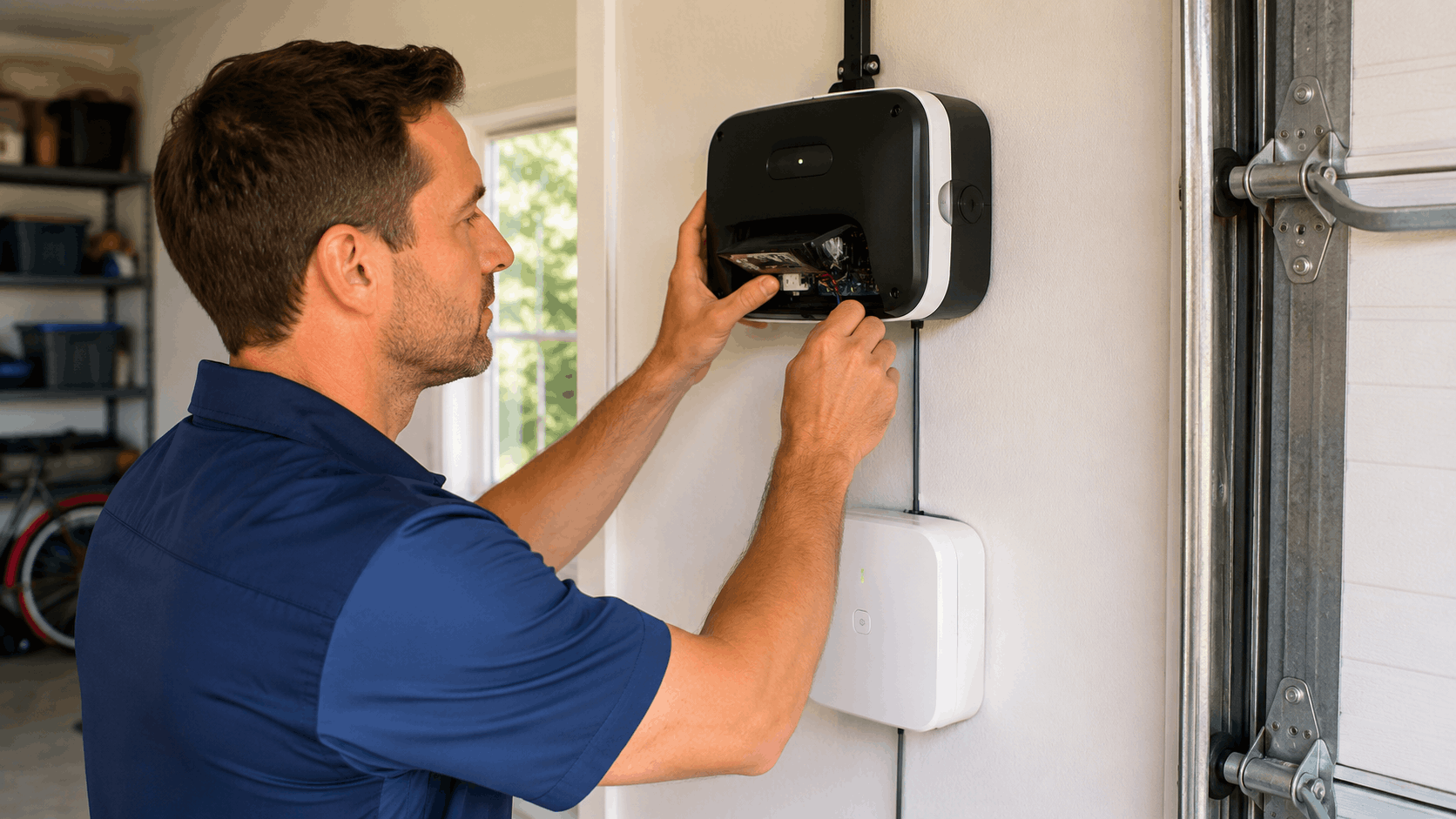
The myQ smart garage system turns an ordinary garage door opener into something a phone can watch and control. It reports the door's status in real time and sends alerts when the door moves. For families across Irvine, that means the garage is never a mystery once they leave the driveway.
Garage door monitoring fits the busy rhythm of homes near Northwood, Woodbury, and Great Park. School runs, dog walkers, contractors, and package drops all happen when nobody is home. myQ gives one simple answer to a common question: is the door open or shut right now?
The basic benefit is control without being there. Before setup even starts, most homeowners just want the confidence to check and close the door from work, from the freeway, or from a kid's soccer game at Great Park.
How the myQ App Connects to a Garage Door Opener
The myQ app talks to Chamberlain and LiftMaster openers through the home Wi-Fi network. Many newer openers have myQ built into the motor unit, so the opener itself joins the Wi-Fi and reports back to the app. The phone and the opener never talk directly - they both check in with myQ servers over the internet.
For that to work, a few parts need to line up. There is the Wi-Fi opener or a separate myQ hub, the home router broadcasting a 2.4GHz signal, and the app on the phone. Each piece has to see the others reliably.
When a homeowner taps close in the app, the command travels from the phone to the myQ cloud, then down to the opener over the home Wi-Fi. The opener runs the motor and reports the new status back up the same path. The whole loop usually finishes in a couple of seconds.
Understanding this chain helps with troubleshooting later. If the internet is down, or the opener drops off the Wi-Fi, the app cannot reach the door even though the opener works fine in person. Our team walks homeowners through this on every opener and smart access visit.
Which Garage Openers Work With myQ
Most Chamberlain and LiftMaster openers made in the last several years support myQ directly. Look for a Wi-Fi symbol or the myQ logo on the motor unit. Those models join the home network without any extra equipment.
Older units are a different story. Homes near Northwood and University Park often have openers from ten or fifteen years back that predate built-in Wi-Fi. Those still work, but they need a separate myQ hub that mounts on the ceiling and connects to the opener.
The myQ hub reads a wireless door sensor and uses a small radio to trigger the opener, much like a remote. It bridges older openers into the smart system without replacing the whole motor. Compatible openers for the hub include a wide range of brands, not just Chamberlain and LiftMaster.
Before buying anything, homeowners should confirm the model. A quick photo of the opener label tells us whether a hub, a firmware check, or a full upgrade makes the most sense for that specific unit.
Real Ways Local Families Use Smart Monitoring
A common use we hear about is the morning school drop-off run. A parent leaves for the drop-off loop near Stonegate Elementary, then confirms from the pickup line that the door closed behind them. That one check ends a lot of second-guessing.
Remote access also helps with pets and service people. A dog walker or house cleaner can be let in while the family is at work, then the door closes again once they leave. Guest access means nobody has to hide a spare remote under a flower pot anymore.
Daily use adds up in small ways too. Homeowners open the garage as they turn off Jeffrey Road so it is ready when they pull in. Others get an alert when a teen gets home from practice, which quietly confirms everyone is safe.
These are not flashy features. They are practical tools that fit real routines, and that is exactly why smart monitoring has caught on across Irvine neighborhoods.
Get Your Free Quote
Tell us about your garage door and we'll get back to you within 30 to 60 minutes.
Getting Ready Before You Start the Setup
Most myQ headaches come from skipping the prep. A little groundwork before touching the app saves a frustrating hour later. Our technicians run the same checklist on every setup visit.
The myQ setup prep comes down to three things: knowing the opener model, confirming the Wi-Fi requirements, and having the phone ready. Get those right and the actual pairing usually takes ten minutes.
Think of this stage as gathering parts before starting. Homeowners who collect their garage opener model, router details, and Wi-Fi password ahead of time almost never call us back with connection problems.
Finding Your Opener Model and Serial Number
The opener model number lives on the motor unit hanging from the garage ceiling. Look on the side or bottom of the housing for a printed or stamped label. It usually lists the model, serial number, and sometimes a manufacture date.
This information matters because it tells you whether the opener has built-in myQ or needs a hub. A model number can be typed into the myQ compatibility checker to confirm support in seconds. Guessing here leads to buying the wrong gear.
Reaching the label often means standing on a step stool with a flashlight. Snap a clear photo of the whole label so the numbers stay readable later. Keep that photo saved in case a warranty question or parts order comes up down the road.
If the label is faded or missing, which happens on older motor units in established parts of Irvine, our team can identify the opener by sight during a visit and recommend the right path forward.
Checking Your Home Wi-Fi Signal in the Garage
Wi-Fi signal is the number one thing homeowners overlook. Detached garages in areas like Turtle Rock and older Turtle Rock Highlands homes often sit far from the router, so the signal arrives weak or drops entirely.
Testing is simple. Stand next to the opener with a phone and open a speed test app, or just watch how many Wi-Fi bars show up. If the signal is one bar or keeps disconnecting, myQ will struggle even after a clean setup.
myQ needs a 2.4GHz network, which travels farther than 5GHz but still fades through walls and across a driveway. A garage that reads weak on a phone will read weak to the opener too. Confirm this before setup, not after.
When the signal is too weak, a Wi-Fi extender or a mesh node placed near the garage usually fixes it. We often recommend sorting the network out first, then completing the myQ pairing once a solid connection reaches the ceiling unit.
What You Need on Your Phone and Router
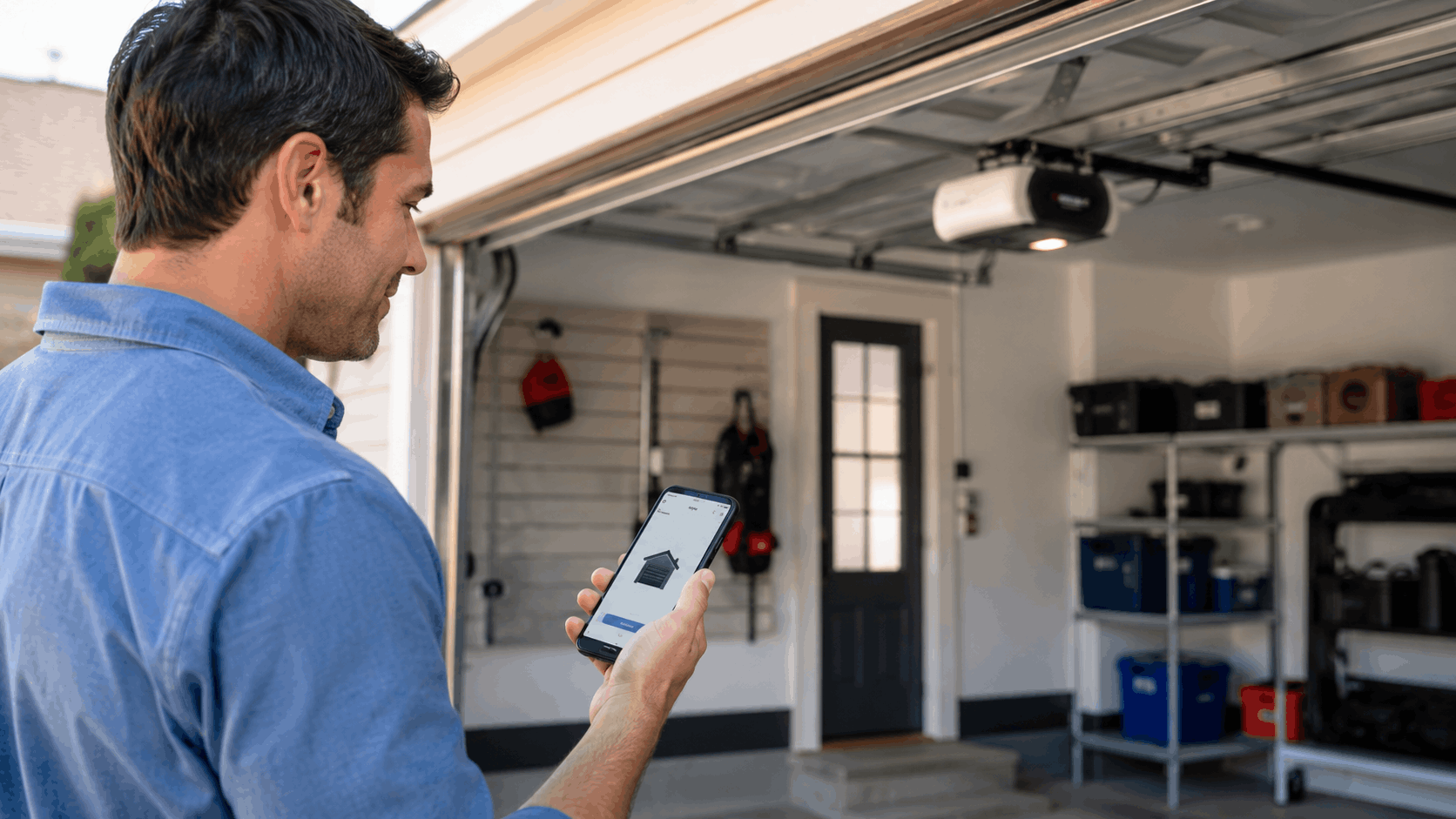
Start by downloading the myQ app from the App Store or Google Play, then create an account. Account setup takes an email and a password, and it is best done on the same phone that will control the door day to day.
Have the home Wi-Fi name and password written down and ready. During pairing the app asks for the network the opener should join, so fumbling for the password mid-setup only stalls things.
Router settings matter more than people expect. Some newer routers combine 2.4GHz and 5GHz under one network name, which can confuse the opener. Knowing how to see or split those bands ahead of time prevents a common pairing failure.
If the router login is a mystery, that is fine. Our smart Wi-Fi opener and myQ setup service handles the network side so homeowners do not have to dig through router menus themselves.
Need Help in Irvine?
Urgent Garage Doors serves Irvine and all of Orange County.
Step-by-Step myQ Setup for Your Garage
With the prep done, the actual myQ installation steps are straightforward. The goal is to connect the garage door to the app and run one successful test open and close. Beginners can do this at their own pace.
The table below lays out the full sequence, whether the opener has built-in Wi-Fi or needs a smart hub install. Follow it top to bottom and do not skip the test at the end.
| Step | Action | What to Expect |
|---|---|---|
| 1 | Create myQ account | Email, password, and a named location |
| 2 | Add device in app | Choose opener or hub type |
| 3 | Pair with Wi-Fi | Blinking LED, enter network password |
| 4 | Name the door | Label it, such as "Main Garage" |
| 5 | Run a test | Open and close from the app |
| 6 | Set notifications | Turn on open and close alerts |
Creating and Configuring Your myQ Account
Open the app and tap to create a new account. Account signup asks for an email address and a password you will remember, since this login controls the garage from then on. Verify the email if the app prompts you to.
Next the app asks you to add a place, sometimes called a location. Enter the home address so myQ knows where the garage sits. This also helps features like location-based alerts work later.
From there you add a device. The app configuration walks through choosing the opener brand or selecting a myQ hub if the opener is older. Pick the option that matches the equipment on the ceiling.
Take a minute to name the garage door something clear, like "Main Garage" or "Side Door." Homes with two or three bays benefit from distinct names so nobody closes the wrong door by accident.
Pairing the Opener or myQ Hub With Wi-Fi
Pairing is where the opener joins the home network. The app will tell you to press a button on the motor unit or hub, usually a learn or Wi-Fi button. Watch for the LED indicator to start blinking in a specific pattern.
A blue or amber blinking light means the unit is in pairing mode and broadcasting its own temporary signal. The phone briefly connects to that signal so the app can hand over your home Wi-Fi details. Follow the on-screen prompts closely here.
When the app asks, select your 2.4GHz network and enter the Wi-Fi password exactly. A single wrong character is a common reason pairing fails. Once the password goes through, the LED usually turns solid to confirm the Wi-Fi connection.
If the light keeps blinking or the app times out, back out and start the pairing over from the beginning. A clean restart clears most stalls, and we cover the deeper fixes in the troubleshooting section below.
Testing the First Open and Close Command
Once paired, run a test command right away while standing where you can see the door. Tap open in the app and watch the door respond. The app should show the status change from closed to open within a few seconds.
Then close it the same way and confirm the status updates again. Doing this in view of the door proves the app and opener are truly talking, not just guessing at status. The confirmation gives real confidence in the setup.
After the in-person test, try a remote open from outside the home Wi-Fi. Step out to the driveway on cellular data, or ask a family member to test from work. This proves the cloud path works, not only the local network.
If the door responds indoors but not remotely, the issue is almost always internet or Wi-Fi related rather than the opener itself. That distinction saves a lot of wasted troubleshooting.
Setting Up Notifications and Alerts
Push notifications are what make myQ genuinely useful. In the app settings, turn on alerts for both open and close events so the family gets a message every time the door moves. Allow notifications when the phone prompts you.
Many homeowners also enable a scheduled alert, like a reminder if the door is still open at 10 p.m. That single feature has closed a lot of forgotten doors across Irvine before morning.
The app keeps an activity log showing when the door opened and closed and by whom. Parents use this to confirm a teen got home, and it doubles as a simple record if anything seems off.
Set door alerts for each phone in the household, not just one. When everyone gets the message, the odds of a garage sitting open all day drop close to zero.
Common myQ Problems and How to Fix Them
Once myQ is running, most trouble falls into a handful of patterns. These are the exact myQ troubleshooting calls our Irvine team fields week after week. The good news is that most connection problems have quick fixes.
The table below matches common symptoms to their usual cause and first fix. If myQ is not responding, start here before assuming the opener has failed.
| Symptom | Likely Cause | First Fix |
|---|---|---|
| Door shows offline | Wi-Fi or power dropout | Power cycle opener and router |
| Wi-Fi keeps dropping | Weak garage signal | Add extender or mesh node |
| App command ignored | Sensor or opener fault | Check safety sensors |
| Pairing fails | 5GHz or wrong password | Use 2.4GHz, re-enter password |
The App Says the Door Is Offline
An offline error means the app cannot reach the opener, even if the door works fine with a wall button. The usual causes are a Wi-Fi hiccup, a router that rebooted, or the opener losing its network connection after a power blip.
Start with the simplest reset. Unplug the opener for about thirty seconds, then plug it back in. Do the same with the router if the whole house dropped offline. Give both a few minutes to fully restart and reconnect.
If the door is still offline, open the app and walk through the reconnect Wi-Fi steps for the device. Sometimes the network password changed, or a new router replaced the old one, and the opener needs the fresh details.
Offline status that returns again and again points to a weak or unstable signal at the garage. In that case the fix is not another reset but a stronger connection, which the next section covers.
Wi-Fi Keeps Dropping in the Garage
Signal drop is a common root cause we find, especially in larger Great Park homes where the router sits far from the garage. The opener connects, works for a while, then falls offline as the signal fades.
A Wi-Fi extender placed in a hallway or room between the router and the garage often solves it. Position the extender where it still gets a strong signal from the router but sits closer to the opener. Placement makes a real difference.
For homes with a mesh system, adding a mesh node near the garage gives the opener a steady access point. Just confirm the node broadcasts 2.4GHz, since myQ relies on that band. Router placement in a central spot also helps every room, not only the garage.
If signal problems persist after these steps, our team can measure the actual strength at the opener during a maintenance and upgrades visit and recommend the right networking fix.
The Door Will Not Respond to App Commands
When the app says a command was sent but the door does not move, the first job is telling an app problem from an opener fault. If the wall button and remote also fail to move the door, the issue is the opener or the door itself, not myQ.
Check the safety sensors near the floor on each side of the door. If they are out of alignment or blocked, the opener refuses to close and may ignore the app. A steady green and a blinking red light usually signal a sensor problem.
Realigning the sensors so both show solid lights often restores normal operation. Dust, a stray box, or a bumped bracket can knock them out of line. Our safety sensor alignment repair service handles the stubborn cases.
If the wall button works but the app does not, the fault sits in the network or myQ connection instead. That points back to offline and Wi-Fi fixes rather than any hardware repair.
Pairing Fails During Initial Setup
Pairing failure during setup frustrates a lot of homeowners, and the reason is usually one of two things. A common is 2.4GHz vs 5GHz confusion, where the phone is on a 5GHz network the opener cannot use.
Modern routers often merge both bands under one name. During pairing, the opener needs to land on 2.4GHz specifically. Splitting the bands temporarily, or selecting the 2.4GHz network by name, clears this hurdle on most Irvine routers.
The second common cause is a password error. Wi-Fi passwords are case sensitive and easy to mistype, especially with symbols. Re-enter it slowly and double-check each character before submitting.
When pairing stalls, do a clean restart. Close the app, power cycle the opener, and begin the process from step one. Starting fresh clears the temporary pairing state and gives the connection a clean shot.
myQ Quirks Specific to Irvine Homes and HOAs
Irvine garage doors come with a few local wrinkles worth knowing. The mix of newer villages, older neighborhoods, and popular mesh networks creates conditions we see over and over. A little local knowledge prevents a lot of guesswork.
HOA rules across Irvine rarely restrict myQ itself, since it is a control system rather than a visible change. Still, any opener or hardware swap should follow the community guidelines for a home's village. The local Wi-Fi challenges tend to matter more than the HOA in practice.
Below are the patterns tied to specific parts of the city, from the newest builds in the east to the established streets on the west side.
Newer Villages Like Portola Springs and Stonegate
Newer builds in Portola Springs and Stonegate often ship with a myQ-ready opener already installed. Homeowners there may only need to download the app and pair the existing unit rather than buy anything new.
The first thing to check is whether the opener has a Wi-Fi symbol on the motor unit. If it does, setup is usually just account creation and pairing. Many families do not realize the smart feature was there from day one.
Even on a myQ-ready opener, confirm the firmware is current before pairing. Builder-installed units can sit unused for months, and a quick firmware update through the app smooths out the first connection.
These newer homes also tend to have stronger Wi-Fi coverage since the wiring is recent, which makes for reliable pairing. When something still will not connect, it is usually a password or band issue rather than the opener.
Older Openers in Established Areas Like University Park
Homes in University Park and other established neighborhoods often run older motor units that predate built-in Wi-Fi. Those openers still work well, but they cannot join myQ on their own. They need a separate hub or an opener upgrade first.
A myQ hub is the lower-cost path when the existing opener is healthy. It mounts on the ceiling, pairs with a door sensor, and brings the older opener into the app. This spares the homeowner a full replacement.
Sometimes an upgrade makes more sense than a hub. If the opener is noisy, slow, or already showing its age, replacing it with a myQ model solves the smart feature and the wear at the same time. Our team weighs both options honestly.
We handle this decision on garage door opener installation visits across the older parts of Irvine, matching the fix to the condition of the unit rather than pushing a replacement.
Mesh Networks and Smart Home Setups Across Irvine
Mesh network systems like Eero, Google Nest, and Orbi are everywhere in Irvine, and they can confuse myQ during setup. The trouble comes when the mesh hides the 2.4GHz band under a single network name shared with 5GHz.
myQ needs a stable 2.4GHz connection to hold onto. On many mesh systems you can create a dedicated 2.4GHz network or temporarily disable 5GHz during pairing. Once the opener is connected, it usually stays put even after re-enabling both bands.
Smart home setups with many connected devices can also crowd the network band. If dozens of gadgets share one router, the garage opener may get pushed offline. Spreading devices across bands helps keep the connection steady.
When a mesh system keeps fighting the setup, we can configure the network band correctly during a visit so the opener locks onto a reliable signal and stays online.
Need Help in Irvine?
Urgent Garage Doors serves Irvine and all of Orange County.
Connecting myQ With Other Smart Home Systems
Once the door is online, myQ integration with the rest of a smart home adds real convenience. Voice assistants, connected cars, and delivery features all tie into the same account. The smart home connection steps stay simple.
Voice control is the most popular add-on, followed by in-car control for daily commuters. Each one links through the myQ account and takes only a few minutes to set up.
A quick note on security: closing the garage by voice or remote is convenient, but myQ builds in safeguards so it does not happen by accident. Those safeguards are covered below.
Using myQ With Google Home and Amazon Alexa
myQ links with both Google Home and Alexa through their app skills or services. In the assistant app, search for myQ, then sign in with the same account used to set up the garage. Once linked, voice control becomes available.
Opening the door by voice may require a spoken PIN or account confirmation, depending on the assistant. Closing works with a simple command since closing is the safer action. Checking status by voice works freely too.
The voice PIN exists for a reason. It prevents someone outside from shouting a command through a window or a smart speaker to open the garage. That small step keeps voice control genuinely useful without opening a security gap.
After linking, test a status question and a close command to confirm the connection holds. If the assistant loses the link after a password change, simply relink the accounts in the assistant app.
In-Car Garage Control for Commuters
Certain vehicles pair with myQ for hands-free, in-car control. Drivers heading up the 405 or down the 5 each day can open the garage as they exit the freeway without touching a remote. The connected car feature triggers based on the app and vehicle integration.
Setup happens through the myQ app and the car's connected services, where available. Once linked, the car knows the home garage and can operate it as the driver approaches. It is a natural fit for the long Orange County commute.
For vehicles without built-in support, a phone mounted in the car and the myQ app still cover the same need. A quick tap at a red light on Culver Drive does the job just as well.
Commuters value this because it removes the fumbling for a clip-on remote. The door is simply ready when they arrive, which matters after a long drive home.
Package Delivery and Guest Access Features
myQ supports guest access through temporary codes and shared app permissions. Homeowners can grant a dog walker, cleaner, or relative access for set hours or days, then revoke it when the job is done. No physical remote changes hands.
For households with frequent shipments, in-garage package delivery lets couriers place a box inside a secured garage instead of the front porch. The homeowner watches the whole thing through the app and gets an alert when the door closes again.
A temporary code is the cleaner option for one-time visitors. It expires on its own, so there is no forgotten access lingering after a contractor finishes a project in the driveway.
These features shine for busy Irvine families who cannot always be home for a delivery or a service appointment. The garage becomes a controlled, monitored entry point rather than an all-or-nothing door.
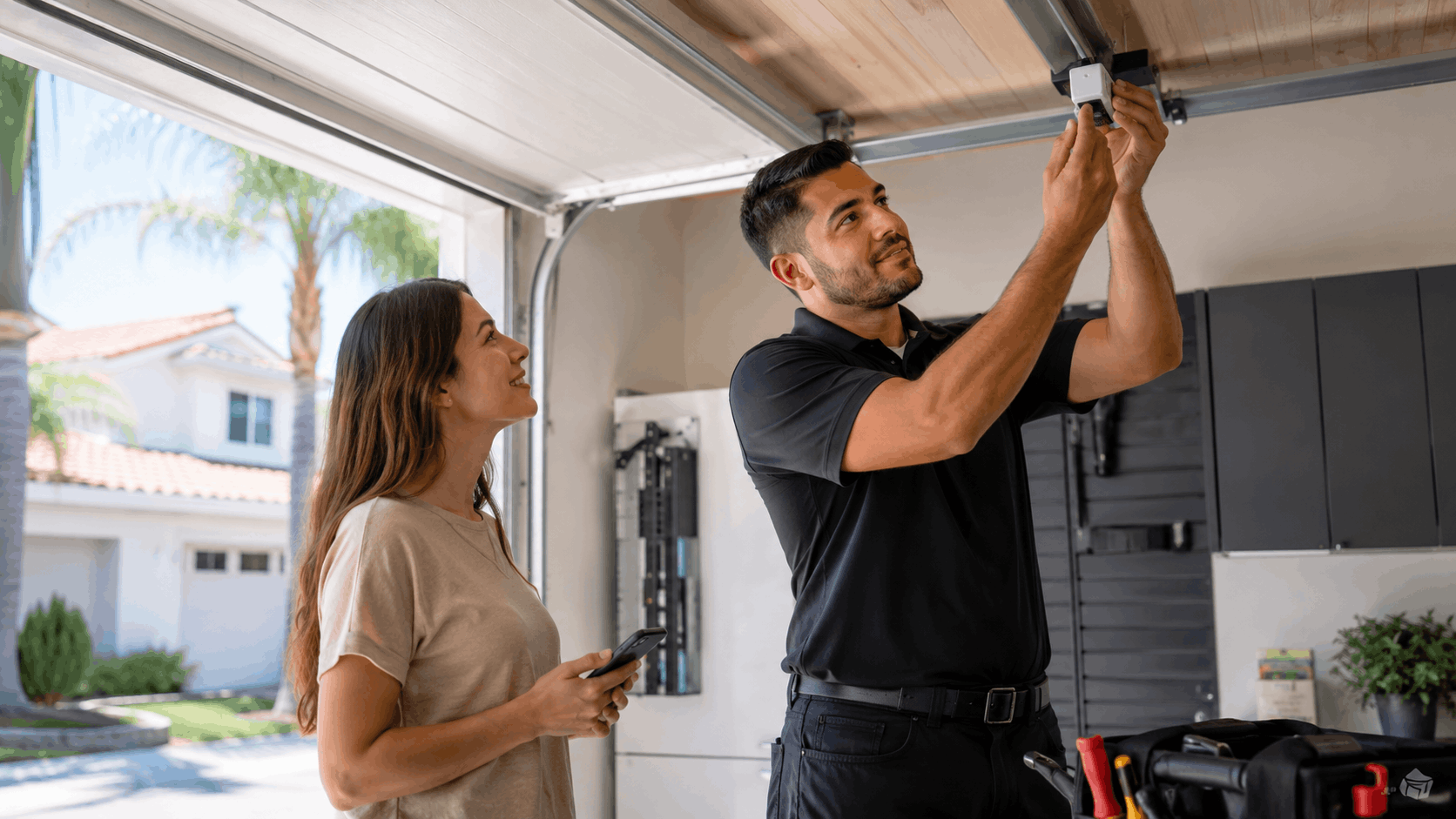
When to Call a Local Garage Door Pro
Some myQ problems are quick app fixes, and some point to real hardware trouble. Telling them apart saves time and money. When the fix is in the opener rather than the software, professional help is the better route.
Our Irvine team handles both the smart side and the mechanical side, so a single visit can sort out a connection issue or a worn part. For anything that stops the door from moving safely, we recommend a technician rather than repeated app resets.
Here is how to spot the difference and what an opener upgrade or service visit actually involves.
Signs the Problem Is the Opener, Not the App
If the door struggles, reverses, or makes grinding noises when the wall button is pressed, the problem is mechanical, not the app. Worn gears inside the motor unit are a common culprit on older openers and produce a distinct grinding sound.
A dead or glitchy logic board is another sign. If the opener behaves erratically, forgets remotes, or the lights flash without reason, the board may be failing. No amount of Wi-Fi troubleshooting fixes a bad board.
Motor issues show up as slow movement, overheating, or a door that stops partway. These point to a tired motor rather than a software glitch. When the app is fine but the hardware acts up, it is time for a repair.
Our opener repair and troubleshooting service diagnoses exactly which part is failing so the fix targets the real cause.
Upgrading an Old Opener to a myQ Model
When an older opener needs replacing anyway, upgrading to a myQ model solves the smart feature and the wear in one step. The opener upgrade includes a new motor unit with built-in Wi-Fi, so no separate hub is needed.
Installation cost varies with the model and horsepower, but most Irvine homeowners land somewhere in the low-to-mid hundreds for the unit plus labor. Belt-drive myQ openers cost a bit more and run much quieter, which many families prefer.
A typical install takes one to two hours for a standard single or double door. That includes removing the old unit, mounting the new one, wiring the sensors, and setting up the myQ app before we leave.
We size the opener to the door weight and can recommend a quieter drive for bedrooms above the garage. Full details live on our opener and smart access page.
How the Urgent Garage Doors Team Handles Setup Visits
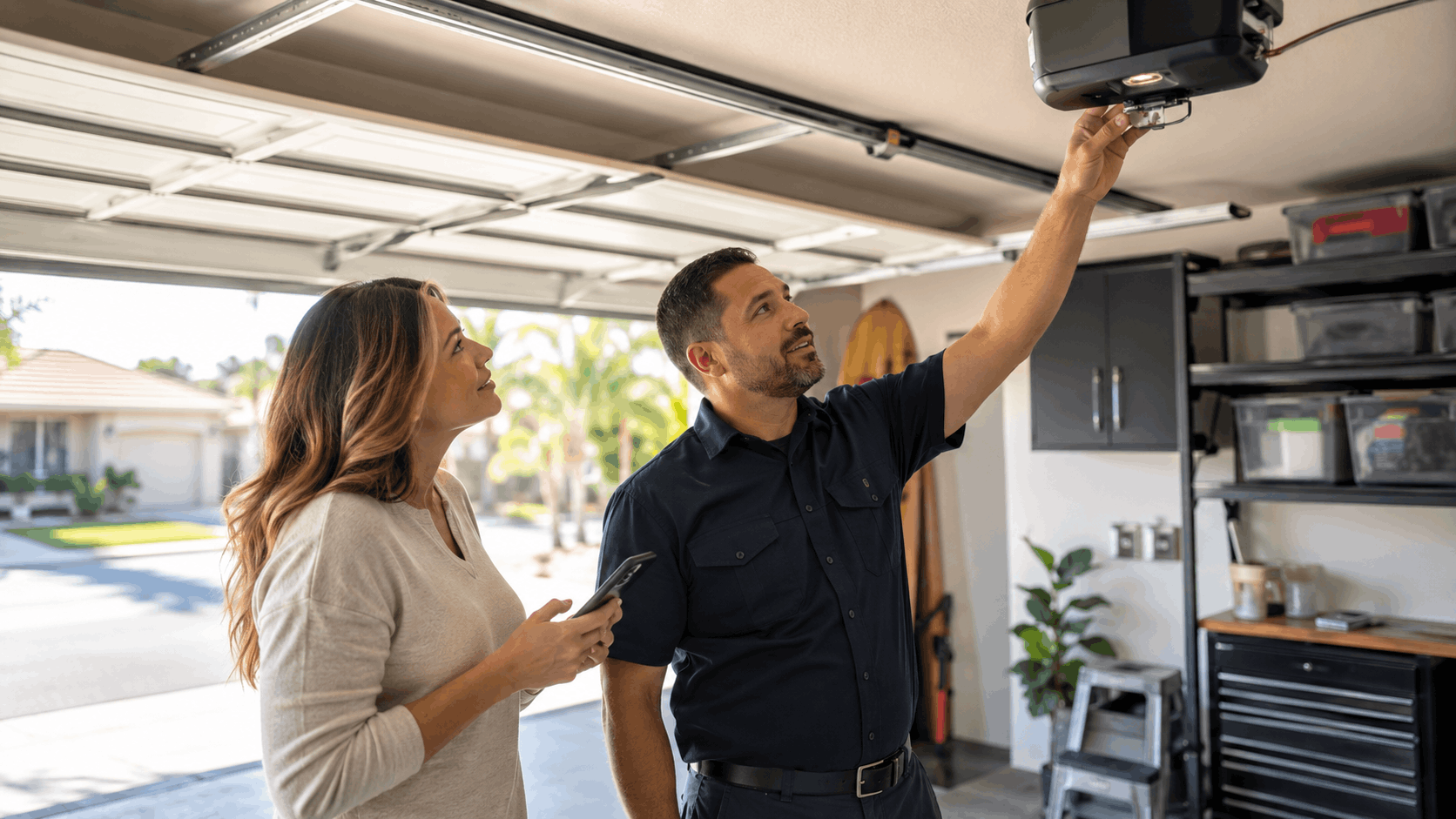
A setup call with Urgent Garage Doors starts with checking the opener itself. We confirm it is safe, balanced, and healthy before adding any smart features, since a smart app on a failing opener only masks a problem.
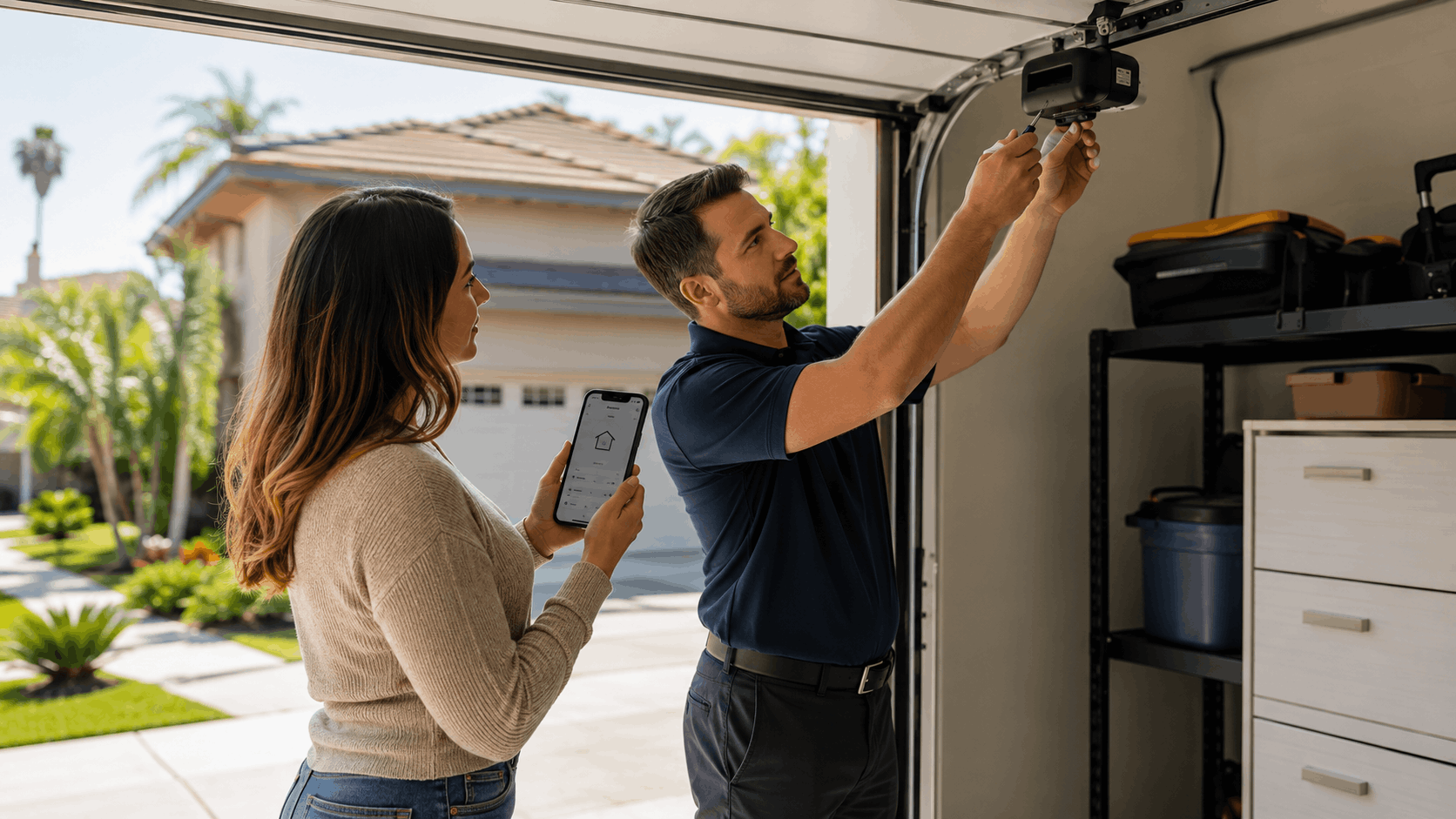
Next we handle the network side. We identify the 2.4GHz band, connect the opener or hub, and pair it cleanly with the home Wi-Fi. If the garage signal is weak, we advise on the right extender or placement.
Before leaving, we test the app end to end. We open and close from inside, then from outside the network, and set up notifications on the homeowner's phone. Setup support means the system works in front of us, not just in theory.
Our team covers Irvine and the surrounding cities, so homeowners get a technician who knows the local homes and networks. Reach us through the contact page to book a visit.
Keeping Your Smart Garage Running Year-Round
A little garage door maintenance keeps both the opener and the myQ connection reliable through the Orange County seasons. The mechanical parts and the smart features each need light attention. myQ reliability depends on both staying healthy.
Seasonal care matters here because Irvine sees hot inland summers and salty coastal air just a few miles apart. Both take a toll on electronics and moving parts over time.
These simple habits prevent most of the dropouts and failures we get called about.
Firmware and App Updates You Should Not Skip
Firmware updates for the opener or hub arrive quietly, and skipping them causes random dropouts over time. The myQ app usually prompts an update or applies it automatically. Letting those run keeps the connection stability strong.
App updates matter just as much. An outdated app can lose features or fail to reconnect after a network change. Keep automatic updates on for the myQ app so the phone always runs the current version.
After any major update, do a quick test open and close. On rare occasions an update resets a setting, and a fast check confirms everything still works. This takes under a minute.
Homeowners who keep firmware and app current report far fewer offline errors. It is the single easiest habit for a stable smart garage.
Handling Summer Heat and Coastal Humidity
Summer heat in a closed Irvine garage can climb well past a hundred degrees, which stresses the opener's electronics and the myQ radio. Keeping the garage a little ventilated helps the motor unit run cooler and last longer.
Homes closer to the coast deal with salt air and humidity that can corrode sensor contacts and metal parts. The safety sensors near the floor are most exposed. A quick wipe of the lenses and contacts keeps them reading clearly.
Check the sensors and any exposed wiring a couple of times a year for corrosion or rust. Green or white buildup on a contact points to moisture damage that will eventually cause faults.
Simple sensor care goes a long way. Clean lenses and dry, solid connections prevent the false obstructions that stop a door from closing on a humid morning.
A Simple Monthly Smart Garage Checkup
A monthly checkup takes about five minutes and catches problems early. Start with an alert test: open the door and confirm the notification lands on every family phone. If one phone misses it, check that phone's settings.
Next, check sensor alignment. Both floor-level sensors should show steady lights with nothing blocking them. If either blinks, gently adjust the bracket until both read solid. Wipe the lenses while you are down there.
Finish by confirming the app still connects. Run one open and close from the app and watch the status update. A clean cycle means the Wi-Fi, opener, and app are all in sync.
Pairing this routine with a yearly professional tune-up keeps the whole system dependable. Our preventive maintenance plan covers the mechanical checks that keep an opener running for years.
Need Help in Irvine?
Urgent Garage Doors serves Irvine and all of Orange County.
Final Thoughts
Smart monitoring turns a nagging worry into a two-second glance at a phone. With myQ set up correctly, that Woodbury mom on Sand Canyon never has to wonder about the garage again.
The path is simple: prep the opener and Wi-Fi, pair carefully on 2.4GHz, test both indoors and out, and turn on alerts. Most problems trace back to signal strength or a mistyped password, and those are quick fixes.
When the trouble is the opener rather than the app, or when an older unit needs a hub or upgrade, our Irvine team is ready to help. Reliable smart monitoring starts with a healthy door underneath it.
Ready for Reliable Smart Monitoring?
A properly set up myQ system ends the daily guessing about whether the garage is open. It only works well, though, when the opener beneath it is healthy and the Wi-Fi reaches the ceiling unit. Our Irvine team makes sure both are handled in a single visit.
Whether you need a fresh myQ setup, a hub for an older opener, or a full upgrade, Urgent Garage Doors serves Irvine and the surrounding Orange County communities. Call us or reach out through our contact page to schedule a consultation and get your smart garage running the right way.
Frequently Asked Questions
- What is myQ and how does it work?
- myQ is a smart garage system that connects a garage door opener to a phone app over home Wi-Fi. It shows whether the door is open or closed and lets a homeowner control it from anywhere with a signal. Commands travel from the phone through myQ servers to the opener, which runs the motor and reports the new status back to the app.
- Does myQ work with any garage door opener?
- Most Chamberlain and LiftMaster openers from recent years support myQ directly through built-in Wi-Fi. Older units, common in neighborhoods like University Park, need a separate myQ hub that mounts on the ceiling and works with many brands. Check the model number on the motor unit against the myQ compatibility tool, or send us a photo and we will confirm what your opener needs.
- Why does my myQ app keep saying the door is offline?
- Offline status usually means the opener lost its Wi-Fi connection after a power blip, a router reboot, or a weak garage signal. Start by unplugging the opener for thirty seconds and restarting the router. If it returns, walk through the reconnect Wi-Fi steps in the app. Offline errors that keep coming back point to weak signal, which a mesh node or extender fixes.
- Does myQ need 2.4GHz or 5GHz Wi-Fi?
- myQ requires a 2.4GHz network, which reaches the garage better than 5GHz. Many routers and mesh systems combine both bands under one name, which confuses the opener during pairing. On a mesh system, create a dedicated 2.4GHz network or temporarily disable 5GHz while pairing. Once connected, the opener holds onto the 2.4GHz band even after both bands are back on.
- How much does it cost to set up myQ in Irvine?
- DIY setup on a myQ-ready opener costs nothing beyond the free app. Adding a myQ hub for an older opener typically runs in the low hundreds for the hardware. A professional setup or opener upgrade with installation usually lands in the low-to-mid hundreds depending on the model. We give a clear quote before any work so there are no surprises.
- Can I close my garage door from anywhere with myQ?
- Yes. As long as the opener has an active internet connection and your phone has cellular or Wi-Fi service, you can open or close the door from anywhere. The command travels through myQ servers to the opener at home. If the home internet is down or the opener is offline, the app cannot reach the door, so a stable connection is the one requirement.
- Does myQ work with Alexa and Google Home?
- Yes, myQ links with both Amazon Alexa and Google Home through their apps. You sign in with your myQ account to enable voice control. Checking status and closing the door work with simple voice commands. Opening the door usually requires a spoken PIN or confirmation for security, which prevents anyone outside from triggering the garage by voice.
- Why will my garage door not respond to the app?
- First test the wall button. If the door also fails to move from the wall, the issue is the opener or the safety sensors, not the app. Check that both floor sensors show steady lights and nothing blocks them. If the wall button works but the app does not, the problem is the Wi-Fi or myQ connection, which offline and pairing fixes usually solve.
- Do I need to upgrade my opener to use myQ?
- Not always. If your opener has built-in Wi-Fi, you only need the app. Older openers without Wi-Fi can join myQ with a separate hub instead of a full replacement. An upgrade only makes sense when the opener is already noisy, slow, or wearing out. Our team looks at the unit's condition and recommends a hub or a new opener based on what will serve you longest.
- When should I call a professional instead of troubleshooting myself?
- Call a pro when the door grinds, reverses, moves slowly, or stops partway, since those signal worn gears, a bad logic board, or a failing motor. Also call if the safety sensors will not stay aligned or the opener behaves erratically. App and Wi-Fi issues you can often fix yourself, but anything mechanical or safety-related is a job for a local technician.
Licensed garage door repair professionals serving Irvine and Orange County.
Licensed in California · License #1055150
Why trust Urgent Garage Doors?
Founded in 2017, Urgent Garage Doors is a licensed and insured garage door services serving Irvine and Orange County. All content is reviewed by our licensed technicians.

Need Help in Irvine?
Urgent Garage Doors serves Irvine and all of Orange County.
Related Articles

Garage Door Safety Sensors: How to Test and Fix Alignment in Your OC Home
Learn how to test and fix garage door safety sensor alignment issues in your Orange County home with this comprehensive guide covering troubleshooting, maintenance, and repair.

How to Avoid HOA Issues When Replacing a Garage Door in Irvine
Learn how to navigate Irvine HOA requirements when replacing your garage door. Complete guide to avoiding violations, choosing compliant options, and working with architectural review committees.

Smart Garage Door Openers: Are They Worth It for OC Homeowners
Smart garage door openers offer OC homeowners remote access, real-time alerts, and auto-close features. Find out what they cost and whether the upgrade makes sense for your home.